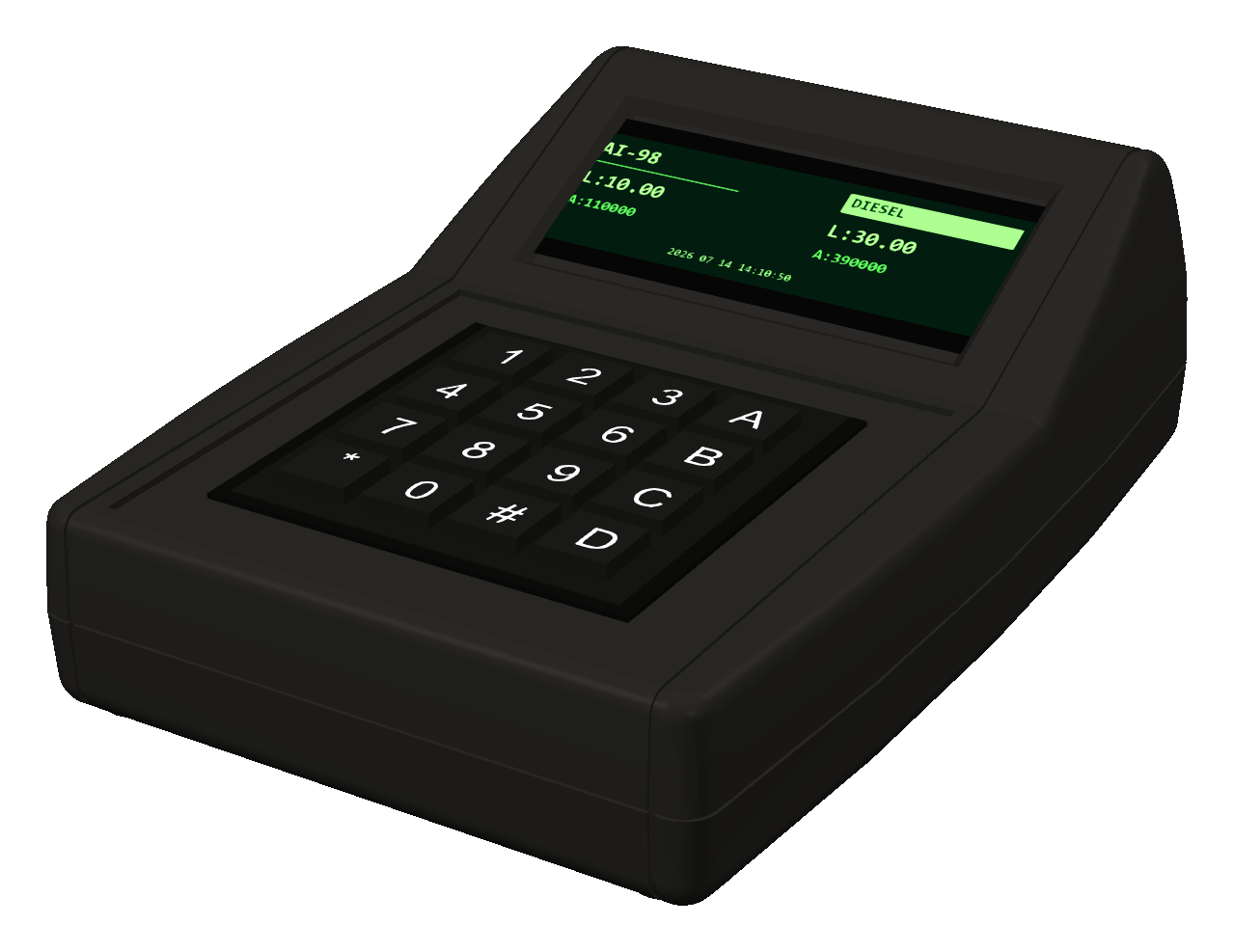
Interactive user guide
Learn the controller before working at a filling station.
Press the keys with a mouse or a finger. The display follows the V2.2.12 firmware menu structure, while the panel explains the selected item.
Start trainingConnection diagram
Connecting dispensers to two independent channels
Channel 1 uses pins 1–4 and channel 2 uses pins 6–9. For CENSTAR, both channels operate over RS-422; for AZT, SHELF and ECOTEC, both channels operate over RS-485.
Do not connect channel 1 to channel 2.
GasKitLink: RS-422, 9600 bit/s, 8N1. AZT 2.0: RS-485, 4800 bit/s, 7E2. Shelf: RS-485, 19200 bit/s, 8N1.
Training mode
Interactive MAXSAN controller
The simulator reproduces the interface, preset entry and accelerated training delivery. It does not connect to a dispenser or change real settings.
In the trainer, press # without entering a PIN. The real controller requires a PIN issued by its owner.
Four actions for menu navigation
Important
Finish delivery before opening the menu.
The controller blocks menu access during an active transaction or unfinished preset input. This protects the current delivery from accidental setting changes.